Submitting a LiNK Form
People from within the Organisation can submit information using the LiNK Form without requiring to login to ModalConnect.
The LiNK Form is available via the link provided via your Organisation's website or intranet.
ModalConnect users can submit a form when logged in by selecting 'New LiNK Form' from My Work in the Workspace menu.
There are just 4 steps required to submit a LiNK Form including 2 optional steps
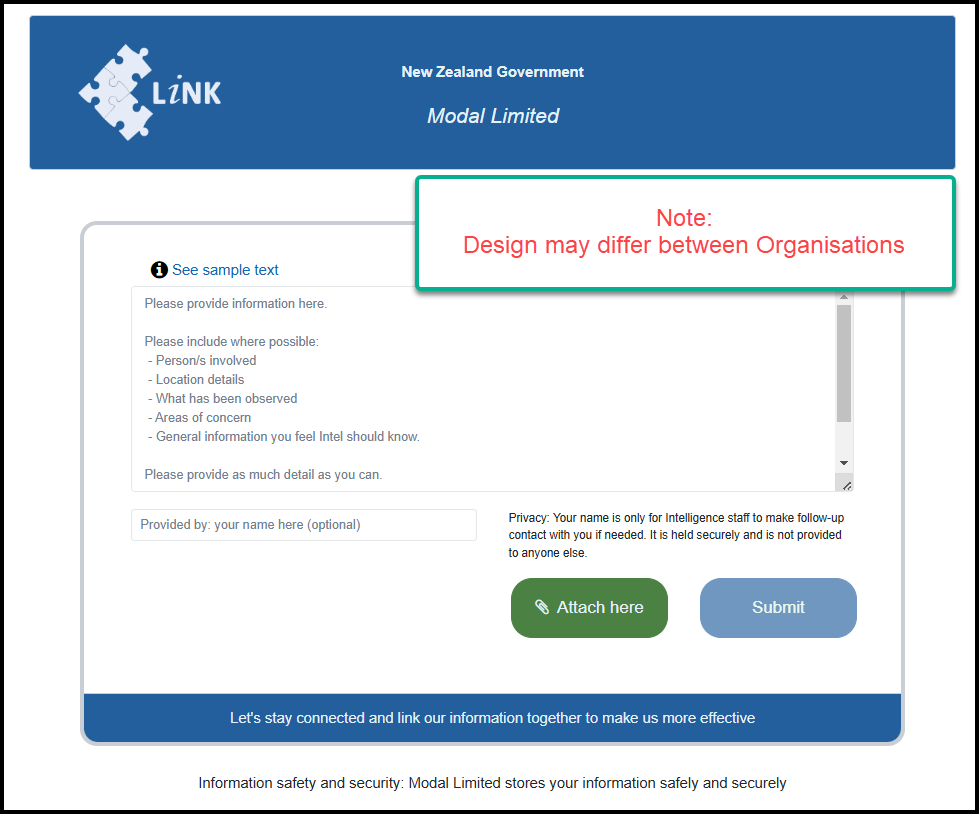
- In the LiNK form, record the information where the sample text shows. This field can be enlarged by dragging down the diagonal bars in the lower right corner.
- The submitter may add their name - optional
- Attach any supporting files - optional. Attachment File size limits apply. Supported File extensions

- Submit - click the submit button
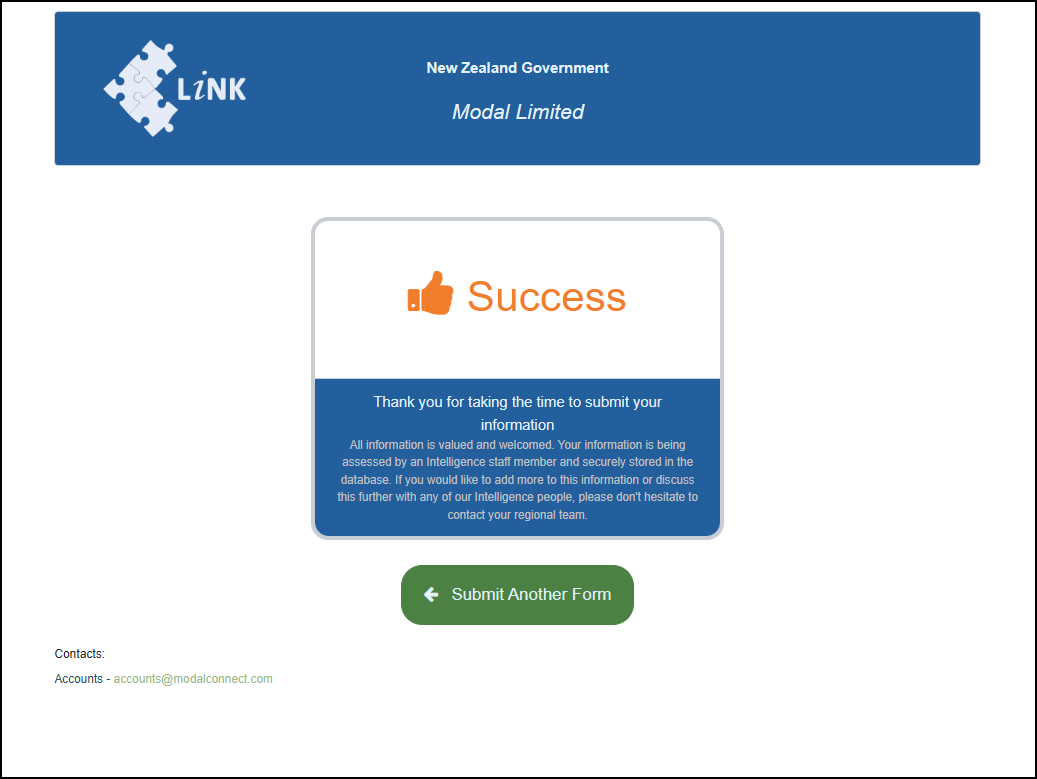
Once submitted a Success message shows including Contact details from within your Organisation.
Another form can be completed by clicking on 'Submit Another Form'.